
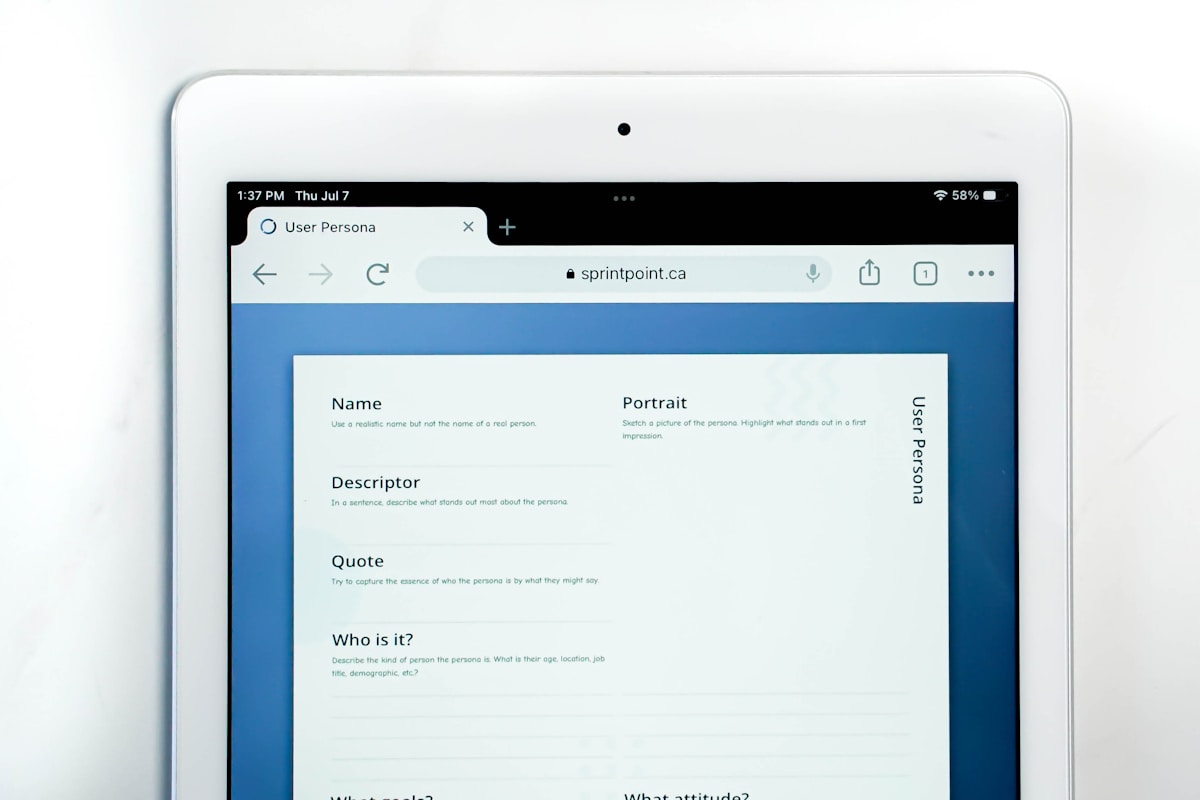
Understanding User-Friendly Interfaces
In today’s digital landscape, user-friendly interfaces are crucial for enhancing usability and engagement. A well-designed interface not only attracts users but also ensures they can navigate and interact with the product effortlessly. This blog post explores my approach to crafting user-friendly interfaces that prioritize the user experience.
The Importance of User-Friendly Interfaces
User-friendly interfaces play a significant role in determining the success of a digital product. Here are some reasons why they are essential:
- Improved Usability: An intuitive interface allows users to accomplish tasks with minimal effort.
- Increased Engagement: A seamless experience keeps users engaged and encourages them to return.
- Reduced Learning Curve: Simple designs help users quickly adapt, reducing frustration and abandonment rates.
- Enhanced Accessibility: User-friendly interfaces cater to diverse user needs, including those with disabilities.
Key Principles of User-Friendly Interface Design
Creating a user-friendly interface requires adherence to several key principles:
1. Clarity
Clarity is paramount in interface design. Users should understand how to navigate the interface without confusion. Here’s how to achieve clarity:
- Use clear and concise language for labels and instructions.
- Employ recognizable icons that convey their intended function.
- Maintain a consistent layout and design throughout the interface.
2. Consistency
Consistency in design helps users build familiarity with the interface. This includes:
- Uniform color schemes and typography across all pages.
- Standardized button styles and interactions.
- Consistent navigation patterns that users can predict.
3. Feedback
Providing feedback to users is essential for a responsive interface. Effective feedback mechanisms include:
- Visual cues (like color changes) when buttons are clicked.
- Loading indicators to inform users of ongoing processes.
- Confirmation messages after successful actions (e.g., form submissions).
User-Centric Design Process
My approach to crafting user-friendly interfaces follows a user-centric design process that involves several stages:
1. Research and Discovery
The first step is understanding the target audience. This involves:
- Conducting user surveys and interviews to gather insights.
- Analyzing user behavior through analytics tools.
- Identifying pain points and areas for improvement in existing interfaces.
2. Ideation and Prototyping
Once I understand the users, I move on to brainstorming and creating prototypes. This includes:
- Sketching wireframes to outline the basic structure of the interface.
- Developing interactive prototypes to simulate user interactions.
- Gathering feedback on prototypes to refine the design.
3. Testing and Iteration
Testing is a critical phase to ensure the interface meets user needs. I conduct:
- Usability testing with real users to observe interactions.
- A/B testing to compare different design elements and their effectiveness.
- Iterative design changes based on user feedback to enhance usability.
Tools for Designing User-Friendly Interfaces
There are several tools available that aid in the design of user-friendly interfaces:
- Sketch: A vector-based design tool ideal for creating user interfaces.
- Figma: A collaborative interface design tool that allows real-time feedback.
- Adobe XD: A powerful tool for wireframing and prototyping.
- InVision: Useful for creating interactive prototypes and gathering feedback.
Conclusion
Crafting user-friendly interfaces is an ongoing process that requires a deep understanding of user needs, a commitment to design principles, and a willingness to iterate based on feedback. By prioritizing clarity, consistency, and feedback, I strive to create interfaces that not only meet user expectations but also enhance overall engagement. As technology continues to evolve, so too must our approaches to design, ensuring that user-friendly interfaces remain at the forefront of digital experiences.